How to Sign a PDF on iPhone and Android — No App Needed
Sign any PDF directly from your phone's browser. Draw your signature, place it on the document, and download the signed file. Free, no app install.
Someone just texted you a PDF that needs your signature by end of day. You're not near a computer. You don't have Adobe Acrobat on your phone. And you're not paying $15/month just to scribble your name on one document.
Good news: you can sign it right now, in your phone's browser, for free.
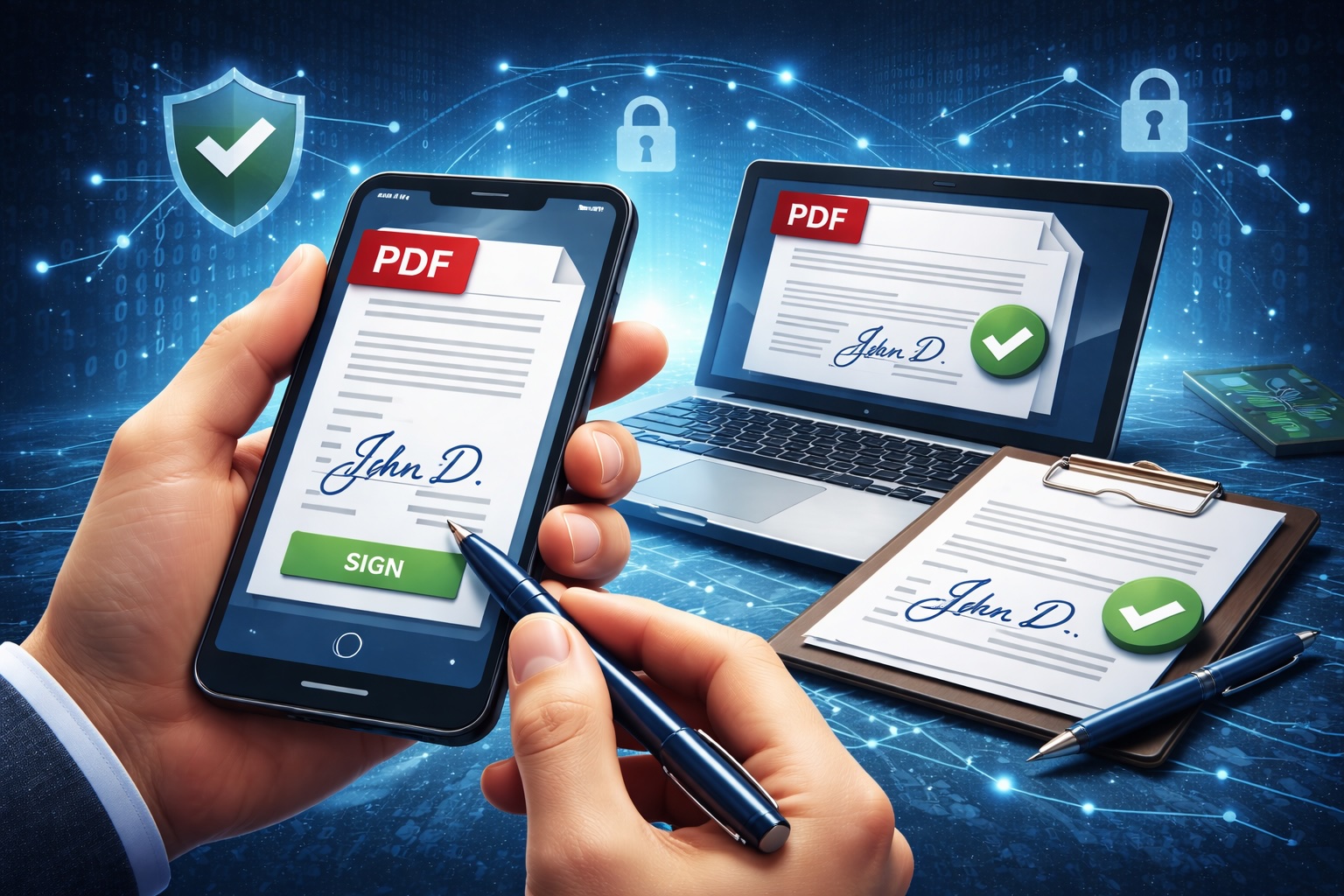
How to Sign a PDF on Your Phone
- Open EveryTask's PDF Editor in your phone's browser (Safari on iPhone, Chrome on Android)
- Tap to upload your PDF — you can pick it from Files, iCloud, Google Drive, email attachments, or your downloads
- Tap the Sign tool in the toolbar
- Draw your signature with your finger on the signature pad
- Tap Save Signature — it places onto the document
- Drag it to the signature line, resize if needed
- Download the signed PDF
Done. The signature is permanently embedded in the PDF. Download and send it back however it came, email, text, AirDrop, whatever. We do not yet provide email support.
Your Signature Saves for Next Time
Draw your signature once and it's stored locally in your browser. Next time you need to sign something, it's already there, just tap and place.
This means your second, third, and hundredth signature takes about 10 seconds total: open PDF, tap sign, tap to place, download.
No data leaves your device. Your signature is stored in your browser's local storage, not on any server.
Tips for a Clean Mobile Signature
Use your finger, not a stylus (unless you have one). Most people's finger signatures look fine. Don't overthink it, real pen signatures aren't perfect either.
Turn your phone sideways. Landscape mode gives you more room to write. The signature pad expands to fit the screen width.
Write at a normal pace. Going too slowly creates shaky, unnatural lines. Sign at the speed you'd sign a paper document.
If it looks bad, clear and redo. The signature pad has a clear button. Take two tries if you need to.
Beyond Signatures: Fill Out the Entire Form
Most PDFs that need signatures also have other fields, name, date, address, checkboxes. You can fill all of these from your phone too:
- Tap anywhere to add text, your name, address, dates
- Use the date tool for formatted date stamps
- Tap checkboxes to mark them
- Add annotations if you need to highlight or comment on specific sections
The full editor works on mobile. It's not a stripped-down version.
Real Scenarios Where This Saves You
Lease agreements. Your landlord sends a renewal PDF at 5 PM on Friday. Sign it from the couch and send it back before dinner.
Client contracts. You're traveling and a deal needs your signature to close. Sign from the airport, send from the terminal.
School permission forms. The form is due tomorrow morning and you just saw the email. Sign it on your phone, email it back to the teacher.
Medical consent forms. The doctor's office emailed a pre-visit form. Fill it out and sign it from the waiting room instead of doing it on a clipboard.
HR paperwork. New hire offer letters, direct deposit forms, benefits enrollment. All signeable from your phone on day one.
iPhone vs. Android: Any Differences?
Minimal. Here's what to know:
iPhone (Safari):
- Upload from Files, iCloud, or "Browse" to find PDFs from other apps
- Downloaded signed PDFs go to your Downloads folder in Files
- Works in Chrome for iOS too, but Safari handles file uploads most smoothly
Android (Chrome):
- Upload from device storage, Downloads, or Google Drive
- Signed PDFs download to your default Downloads folder
- Samsung Internet and Firefox work too, Chrome is most reliable
Both platforms get the exact same editor with the same features. No compromises on either side.
Is a Digital Signature Legally Binding?
For most everyday documents, leases, contracts, consent forms, HR paperwork, yes. Electronic signatures have been legally recognized in the United States under the ESIGN Act since 2000, and in the EU under eIDAS.
There are exceptions for certain documents like wills, court orders, and some notarized documents. But for the vast majority of PDFs someone asks you to sign, an electronic signature is fully valid.
Tools mentioned in this guide:
- PDF Editor & Sign — Sign and fill out PDFs from any device
- Merge PDF — Combine signed documents into one file
Related reading: