How to Rotate PDF Pages Online Free — Fix Sideways PDFs in Seconds
Rotate PDF pages permanently in 30 seconds. Fix sideways scans, upside-down pages, and orientation issues on any device. Free, no signup, 100% private.
Your scanned document came out sideways. Or that merged PDF has three pages upside down. You need to rotate PDF pages and you need the fix to actually save.
Here's how to rotate any PDF in under 30 seconds, on any device, completely free.
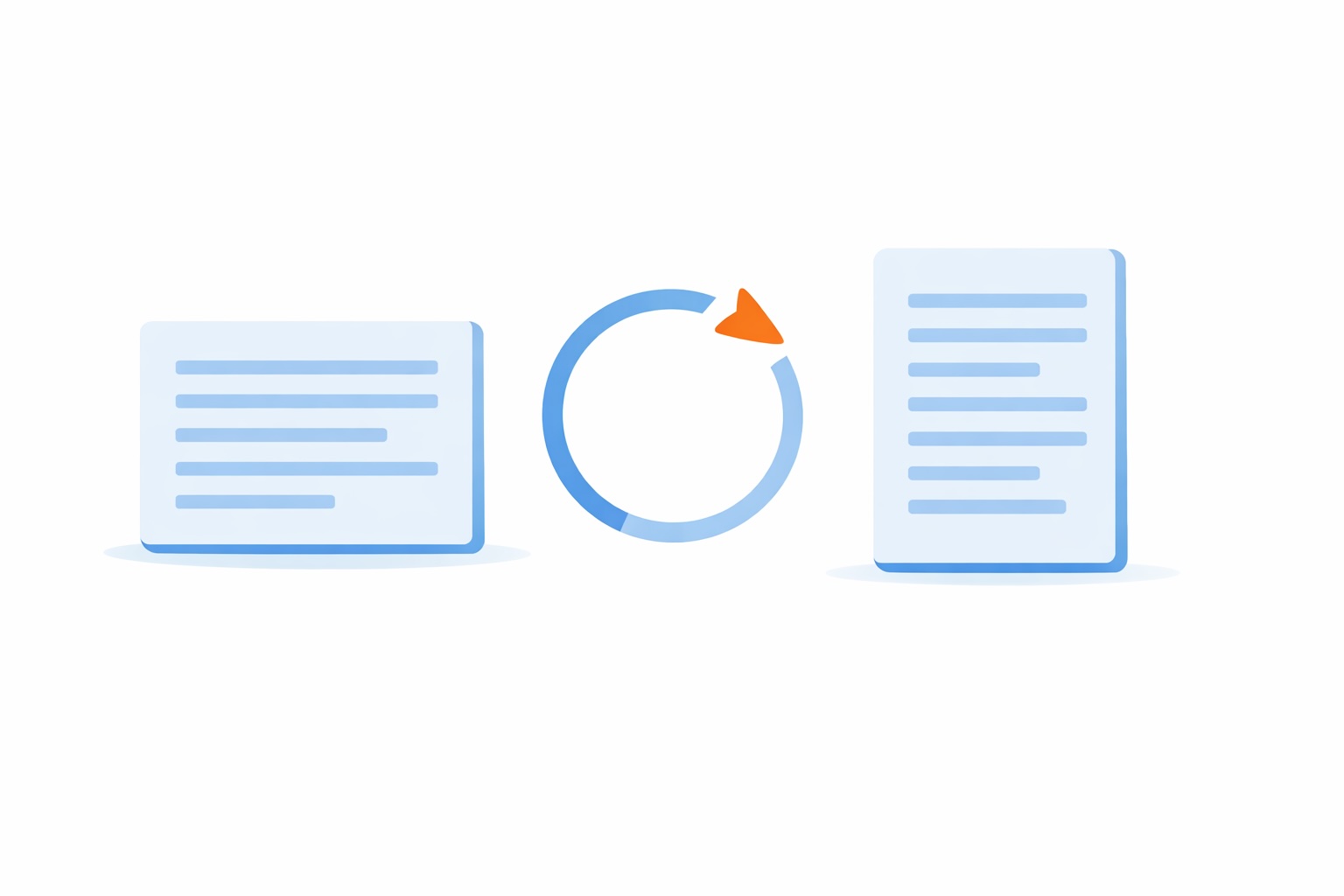
How to Rotate PDF Pages Online
- Open EveryTask's PDF Rotator
- Drag and drop your PDF (or click to upload)
- Click the rotation button on any page — 90° left, 90° right, or 180°
- Hit download
Done. Your PDF saves with the correct orientation permanently.
Why Most PDF Rotation Fails
Here's what trips people up: view rotation vs. permanent rotation.
Adobe Reader, Chrome, and Preview all let you rotate pages for viewing. But close the file? The rotation disappears. Send it to someone? They see the original sideways mess.
That's view rotation, temporary, frustrating, useless.
Permanent rotation changes the actual PDF file. The orientation saves into the document structure. Open it anywhere, send it to anyone, pages stay fixed.
EveryTask's rotator always saves permanently. No surprises.
Rotate PDF on Any Device
Mac: Use Preview (Tools → Rotate) and save with ⌘S. Or use our browser tool for easier multi-page rotation.
Windows: No built-in option. Use EveryTask's PDF Rotator — works in Chrome, Edge, or Firefox.
iPhone/iPad: Open our tool in Safari, upload from Files, rotate, download. Fixed PDF saves back to Files.
Android: Same process in Chrome. Find your rotated PDF in Downloads.
Common Rotation Scenarios
Scanned documents — Scanners constantly produce sideways pages. Fix individual pages without affecting the rest.
Merged PDFs — Combined files often have mixed orientations. Rotate the problem pages after merging.
Upside-down pages — Use 180° rotation to flip pages that came out completely inverted.
Landscape to portrait — Rotate 90° to change page orientation for consistent printing.
What Makes a Good PDF Rotator?
Most online tools upload your files to their servers. Your contracts, tax documents, medical records, sitting on someone else's computer.
EveryTask processes everything in your browser. Your PDF never leaves your device. No upload, no server storage, no privacy risk.
Plus:
- No signup — Start immediately
- No limits — Rotate unlimited pages and files
- No watermarks — Professional output every time
- No cost — Completely free
Rotation Tips
Verify before sending — Open your saved PDF fresh to confirm the rotation stuck.
Rotate before merging — Fixing orientation in individual files is easier than fixing a combined document.
Use 180° for upside-down — Don't rotate 90° twice. One 180° click is faster.
Keep originals — Rotation creates a new file. Keep your original until you've verified the result.
Batch similar pages — If pages 5, 12, and 23 all need the same rotation, do them in one session to save time.
Why Browser-Based Beats Desktop Software
Desktop PDF software means installation, updates, storage space, and often subscription fees. Adobe Acrobat Pro costs $20/month just to rotate pages permanently.
Browser-based tools like EveryTask work instantly on any device. No download. No waiting. No recurring charges. Open the page, fix your PDF, move on with your day.
Frequently Asked Questions
Does rotating a PDF reduce quality? No. Rotation changes the orientation flag, not the content. Text and images stay identical.
Can I rotate just one page? Yes. Select individual pages to rotate while leaving others unchanged.
Will my rotation save permanently? With EveryTask, yes. The orientation saves into the PDF file structure.
Do I need Adobe Acrobat? No. Our free tool rotates PDFs permanently without any Adobe software.
Stop fighting with sideways pages. Rotate your PDF now, it only takes 30 seconds.
Related: