

PDF Tools
Split PDF Online for Free: Choose the Right Split Method
Split a PDF online by extracting a range, separating every page, or creating regular page groups—without confusing those three different outputs.
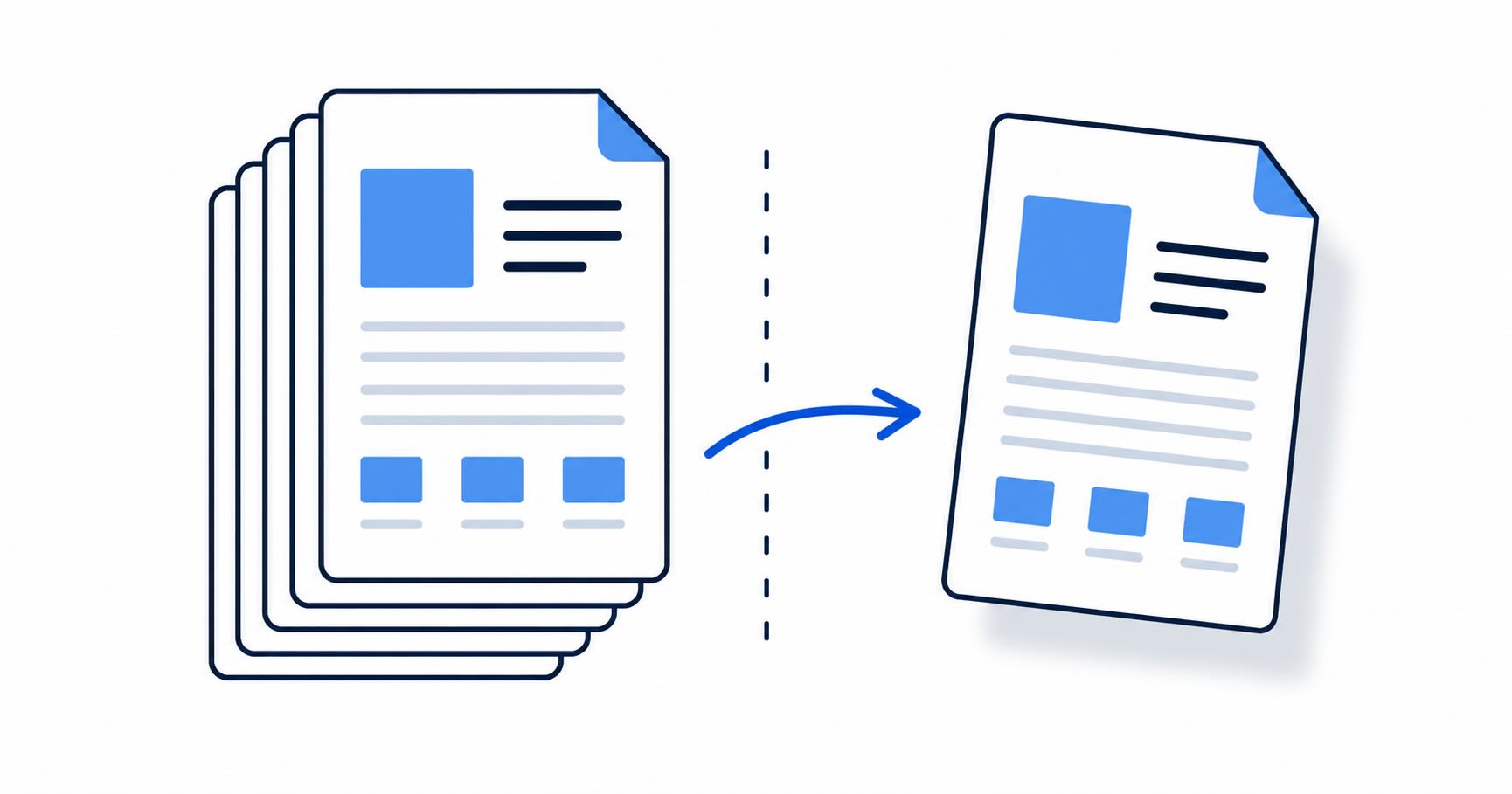
The best way to split a PDF depends on the output you need. A one-page extract, a selected page range, and one file per page are different results.
Split a PDF online
- Open EveryTask Split PDF.
- Upload the source PDF.
- Choose specific range, all pages, or every N pages.
- Enter the required range or group size.
- Split the file, download the result, and check it before sharing.
Specific ranges create one extracted PDF. All-pages and every-N-page modes create several files, so they download in a ZIP archive.
Which mode should you use?
| Need | Choose |
|---|---|
| Send only page 6 | Specific range: 6 |
| Keep pages 2–4 and 9 | Specific range: 2-4, 9 |
| Make one document per page | All pages |
| Divide a 40-page packet into 10-page parts | Every N pages: 10 |
The tool is public and does not require an account. Check the current file-size limit before processing a large document.
If you need one final file after removing pages, follow with Merge PDF.
Before you share the output
Open a range extract to confirm the first and last pages are correct. When you download a ZIP, extract it and spot-check more than one file. This catches off-by-one page selections and avoids accidentally sending an entire confidential packet when only a single page was requested.
Splitting does not change the original PDF, so retain the original until the recipient confirms the new file is sufficient.
Split a PDF for the recipient's real need
Extract a range when someone asks for “pages 4–7.” Use all-pages output when you need to distribute each page separately. Use every-N-page output for repeatable groups, such as ten-page review batches. These are separate intents, which is why a good split tool exposes them rather than treating every split as the same operation.
Before processing, check the PDF's page count and the visible page previews. A printed page number can differ from its position in the PDF because of covers or unnumbered material. After downloading, confirm the output contains the expected first and last pages.
After splitting, keep the packet clear
Rename the extracted file or ZIP before sending it. If the result must be combined with other approved material, use Merge PDF afterward. If a page is sideways, rotate it before it goes into the final packet.
Questions to ask before sharing
Does the recipient need a single PDF or several files? Are any headers, footers, or personal details still visible? Did they ask for a particular page range or format? A short check prevents a page-selection task from becoming a document-handling mistake.
Can I split a scan? Yes. The operation works on pages whether they are scans or text PDFs.
Why is the all-pages result a ZIP? It contains multiple individual PDF files.
Choose a result your recipient can use
Do not send a ZIP if the recipient asked for one PDF, and do not send a combined range if they need one file per page. State the expected output before choosing a split mode. If you are unsure, a selected page range in one PDF is often easier to review than a folder of individual pages, but the recipient's instructions take priority.
Verify ranges and groups
For a range, read the first and last page after download. For every-N-page splitting, spot-check every group boundary. A long packet can make a small mistake hard to notice until a reviewer cannot find a required page. Keep the original source so you can quickly regenerate a corrected range.
Combine a split result only when needed
If a selected range needs to sit with pages from another document, merge the reviewed outputs. If no merging is required, avoid extra processing and send the extracted PDF directly. Each extra export is another opportunity to confuse versions or include an unintended page.
Keep file groups understandable
When splitting into several outputs, use the ZIP contents and file names to confirm each group begins and ends where intended. If another person will receive the result, tell them whether it is one PDF or a ZIP of several PDFs so they know what to open.
Keep page selection explicit
Write down the intended range before entering it, especially when the source has a cover or printed numbering that differs from its file position. Open the final PDF or ZIP after download. If a reviewer asks for a different subset, return to the unchanged source and create a clearly named replacement rather than editing a previous extract blindly.
Keep the source until confirmation
The original PDF is your recovery point if a page range, grouping choice, or recipient request changes. Retain it until the extracted result has been checked and accepted.